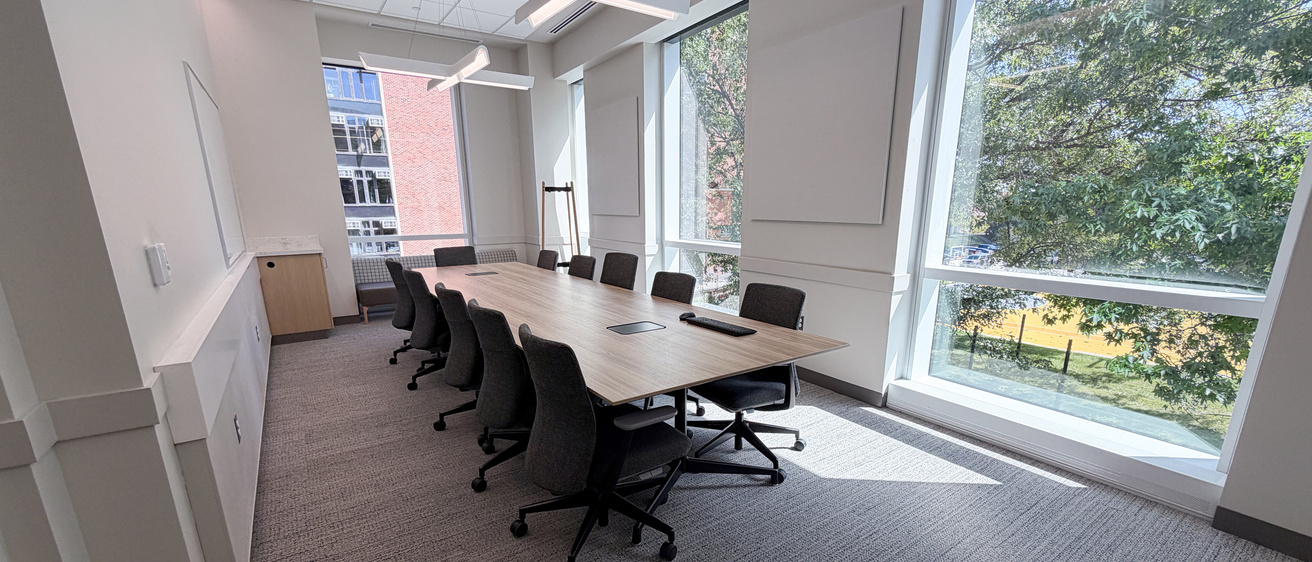
University Conference Spaces (UCS) are shared conference rooms for UI Faculty and Staff intended to support valuable university collaboration, planning, meetings, training, and day-to-day operations. University Conference Spaces are centrally managed by the Office of the Registrar, Classroom Scheduling.
Available Spaces
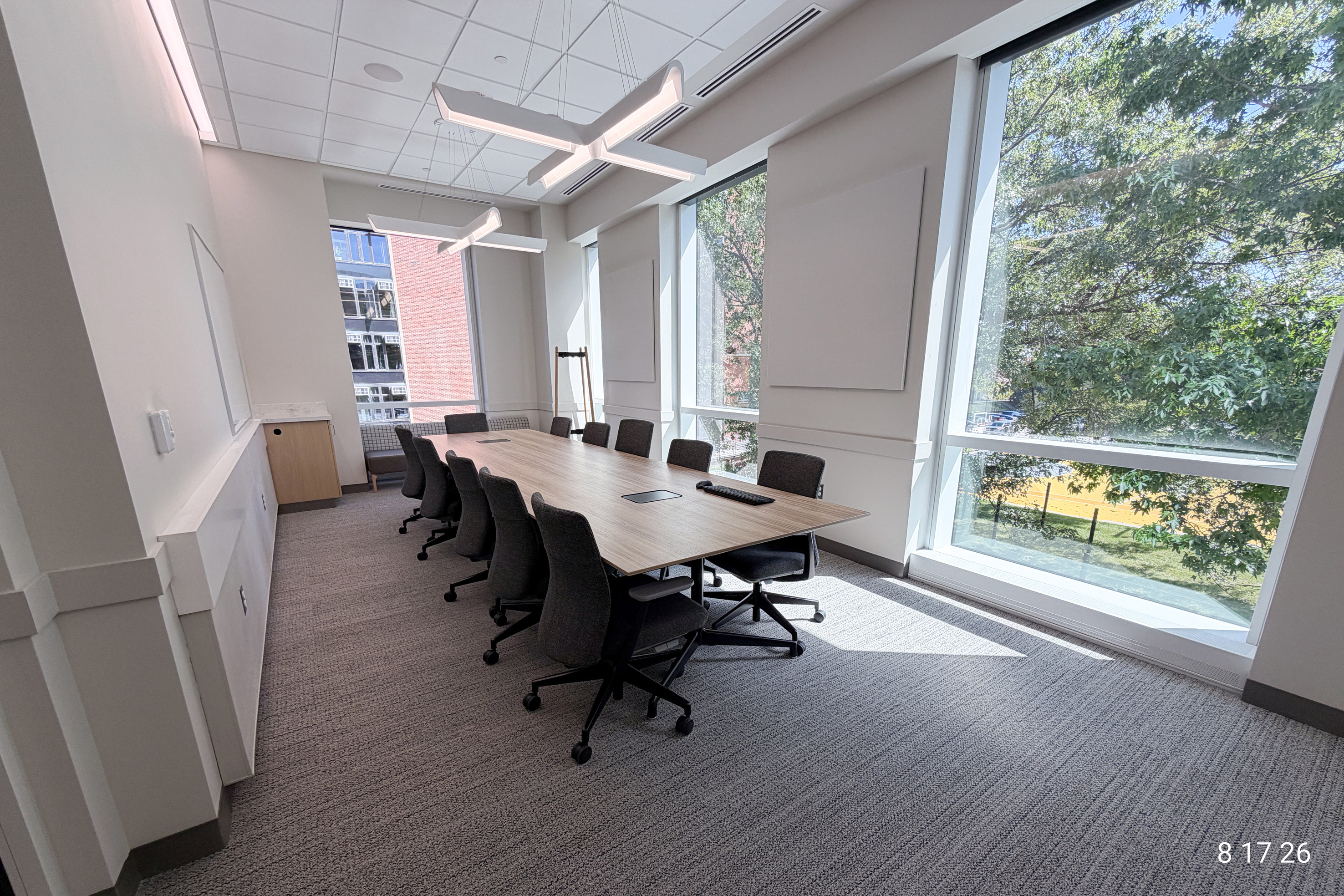
Health Sciences Academic Building Conference Room (2522 HSAB)
Hours of Availability: See Building Hours
Room Technology: Local PC computer, Solstice wireless presentation, Webcam, Large display, Door-mounted room schedule


University Conference Space Policies
Scheduling Policy for University Conference Spaces
Rooms should be reserved through O365, the university’s approved scheduling system for conference rooms, and assigned based on priority and availability. Users are responsible for selecting appropriately sized rooms, cancelling unused reservations, and returning spaces to their original condition. The university reserves the right to reassign spaces administratively to solve space issues.
Reservation Lead Time
Reservation requests must be submitted via Outlook at least one full business day in advance. Due to electronic programming requirements, we are unable to guarantee same-day reservations.
Room Use Expectations
- University conference spaces are self‑service.
- University conference spaces are intended for non-instructional use and should not be assigned to course offerings or course-related activities.
- Conference spaces may be used only for non-instructional activities. Course-related activities should be scheduled in a University Classroom (UCR) or a designated departmental space.
- Student events are not permitted in UCS spaces. This includes student organizations, programs, meetings or any other student-led activities. Faculty or staff may not reserve a UCS space on behalf of a student or student organization.
- Reserve only the space and time needed in two-hour intervals.
- The rooms are available during standard building hours.
- These rooms are accessed with your Iowa One card. Be sure to bring your ID with you to your reservation.
- Include any setup and cleanup time in your reservation.
- Users are responsible for tidying the space at the end of their meeting.
- Return furniture to its original configuration.
- Dispose of trash and recycling appropriately.
- Clean surfaces as needed.
- Cleaning supplies are available in the conference room.
- Cancel reservations as soon as they are no longer needed.
How to Schedule a University Conference Space
Best Practices
HSAB centrally scheduled conference spaces are scheduled through Outlook by inviting the room to your meeting request as a resource in your meeting invitation. Do not schedule directly on the conference room calendar.
Please avoid scheduling back‑to‑back meetings. Leaving 10-15 minutes as pass time between reservations is strongly encouraged. Classroom Scheduling will adjust the event as necessary upon our review of the resource invitation to avoid event overlaps.
The room scheduler at the 2522 door will not accept walk up meetings. If a small group needs to meet spontaneously, please check availability at the Work Commons conference rooms.
Step by Step: Scheduling a Conference Room in Outlook 365
- Open Outlook and click New event.
- Enter your meeting details.
- Click in Add a room or location, to review suggestions OR
- Select Browse all rooms from the drop down menu or Browse with Room Finder.
- Search for and select the desired room from the list.
- Confirm availability of desired location. If the room shows available in green, it is available. If not, find an alternate room or date that works.
- Click Send to submit the reservation request and pause for resource approval.
Outlook Room Name
Use the following naming conventions when searching for rooms in Outlook:
- RES-HSAB2522
Approval and Confirmation
- Requests for University Conference Rooms require review and approval.
- A confirmation email will be sent to the organizer once the reservation is approved with supplemental information.
- If declined, additional information will be provided.
Assistance and Support
Scheduling Support
- Scheduling Support is provided by Office of the Registrar, Classroom Scheduling
- Email: University Resource Scheduling
- Phone: 319‑335‑1243
Technology Support
- Technical support is provided by the ITS
- Email: ITS Help Desk
- For emergency technical support during events, call: 319‑384-4357
- Support hours: 8:00 AM – 5:00 pm, Monday – Friday
Additional Information
Zoom Workspaces
Details related to Zoom Workspaces can be found on the Student Learning Spaces page.
Cleaning Supplies
If cleaning supplies are running low, please contact Classroom Scheduling: