Your Monthly Guide to Smarter Scheduling
August 2026
Class Is In Session!
The start of the fall semester is just around the corner! August brings several important milestones for classroom scheduling, including instructor classroom previews, final exam planning activities, student organization event requests, and the first day of classes on August 24th. This month's newsletter highlights key dates and deadlines, shares updates from the Office of the Registrar, reviews important scheduling policies and procedures, and offers tips and insights to help you navigate the busy start of the academic year. As always, thank you for your partnership in supporting effective classroom scheduling and a successful experience for students, faculty, and staff.
If you are not receiving the newsletter by email but would like to, please contact classrooms@uiowa.edu to be added.
Highlights
- Dates and Deadlines
- Registrar Office Move
- Allocation Workshops
- Virtual Drop-In Hours
- Student Event Requests
- Same Classroom Request - Updated
- UCR Allocation Charge Report
- UCR Search Tool
Upcoming Dates and Deadlines
Refer to the Classroom Scheduling Task List for more dates and details on monthly recurring tasks, organized according to the course and event scheduling timeline, along with helpful resources to support your work.
Summer 2026
- 8/6/26
Last day of classes: 6 week II, 8 week, 12 week - 8/7/26
Final exam day: 6 week II, 8 week, 12 week
Fall 2026
- 6/22-8/19/26
Final exam submission period - 7/15-8/3/26
Submit building hours (Building Coordinators only) - 8/1/26
Student organization event requests begin - 8/16–8/21/26
UCRs unlocked for instructor preview - 8/24/26
First day of fall semester - 9/11-9/16/26
Final exam faculty review period - 9/21/26
Final exam schedule published
Winter 2026/27
- 7/20-8/2/26
Planner review period - 8/3/26
MyUI course offerings available/Schedule Builder opens
Spring 2027
- 9/14-9/27/26
Planner review period - 9/28/26
MyUI course offerings available - 9/28/26
Evening midterm exam needs open
Summer 2027
- 6/8-8/3/26
Planner open to departments - 8/4-9/13/26
Planner closed to editing - 9/14-9/27/26
Planner review period - 9/28/26
MyUI course offerings available
We Have Moved!
The Office of the Registrar and Admissions Data Analytics, Operations, and Communications and Marketing Teams Office Relocation
The Office of the Registrar and Admissions Data Analytics, Operations, and Communications and Marketing teams are in the process of relocating to the 2600 University Capitol Centre suite, adjacent to the Office of Student Financial Aid. This move centralizes several Enrollment Management functions and enhances operational efficiency to provide a more professional, welcoming student service environment aligned with our student-centered approach. The relocation will be completed by mid-fall, with the Office of the Registrar moving prior to the start of the fall 2026 semester.
Workshop: Learning & Insights – Allocations 2026
Classroom Scheduling is pleased to offer a series of workshops throughout the fall semester to help departments navigate the new class-time allocation features available in the MAUI Planner. These sessions will provide an overview of the updated processes, demonstrate key functionality, and explain how class-time allocation information is displayed and utilized within MAUI.
Whether you are new to allocations or simply looking to better understand the recent enhancements, these workshops will provide guidance and opportunities for questions. Our goal is to aid departments with the knowledge and tools to create effective schedules for our campus with informed planning decisions.
Additional details about class allocations and related resources are available on the Office of the Registrar Class Allocations page.
Outlook invitations for these coordinated online sessions will be distributed later this month.
New! Classroom Scheduling Virtual Drop-In Hours
Classroom Scheduling is excited to offer virtual drop-in sessions for department administrators and other campus partners. These informal sessions are intended to provide an opportunity to connect with our team, ask questions, and discuss anything related to academic and event scheduling, exam scheduling, policies, procedures, and university classrooms. Whether you have a specific question, would like guidance on a process, or just want to meet us, we invite you to join us!
Upcoming Drop-In Dates:
Tuesday, Aug. 25, 10:00-11:00am - Add to Calendar
Wednesday, Sept. 2, 10:00-11:00am - Add to Calendar
Thursday, Sept. 3, 1:00-2:00pm - Add to Calendar
Policy and Procedure Spotlight
Student Event Requests
Student organization requests for university classrooms must be submitted by a student member of the organization through the official Classroom Scheduling Room Request workflow form. If a student organization contacts your office about reserving a university classroom, please refer them to Classroom Scheduling to begin the request process. Fall 2026 (FA26) event requests will be accepted starting August 1.
Additional information can be found on the Student Organization Events page.
Reports and Reminders
REPORTS:0101
This LIVE report compares room usage in each time slot by day of week to the academic unit's allocation.
Select the desired session, academic unit, and Planner status to filter the results. Click on the hyperlink numbers to see a summary of the section offerings and/or rooms in that time slot, as well as the Planner status of each section (new!).
For each standard class meeting block, the report displays how many rooms are being used Monday through Friday and flags instances where usage exceeds the allocated threshold.
- Yellow flags indicate the department has exceeded the academic unit’s allocation for the respective time slot.
- Red flags designate department has exceeded the academic unit’s allocation for the week.
- The blue banner reminds the user of the usage spread across the five teaching days by class time in addition to a total week figure.
The goal of this report is to visualize the spread of class offerings across the week balancing usage of M, W, and F with T and Th by highlighting time periods that exceed allocation. This makes patterns of scheduling pressure immediately observable and actionable. This report can be used in initial schedule planning, during proof round, and thereafter, by selecting the Planner status filters.
Scheduling Insights
Same Classroom Request
Effective July 2026, the scheduling team will administratively update the Is Same Classroom Request option when reviewing offerings via workflow, or by departmental email request to registrar-room-res@uiowa.edu when sections are being set up for submission.
A Same Classroom Request is a type of scheduling preference in MAUI Planner to indicate that multiple class meetings or section offerings are assigned to the same classroom for the duration of the date range when set to Yes for Is Same Classroom Request in the Room Preferences field.
This option is typically used when a course meets on a rotating basis in the same time block, or when instructional consistency requires a single classroom location for non-routine or irregular meeting patterns. It is commonly used in combination with what could be described as “Every Other” recurrence patterns when the schedule does not follow a standard weekly cadence.
This field informs class time allocation calculations that the same classroom will be shared across the associated meetings or sections, resulting in a single allocation count rather than multiple counts.
Tips and Tricks
See Something in a Classroom?
Department administrators are often the first to hear when something isn’t quite right in a classroom. If you see or hear about an issue, please let us know! Your feedback helps us identify problems quickly and make sure classrooms are ready for teaching and learning.
Please reach out to Classroom Scheduling if you notice or hear about issues such as:
- Broken or missing equipment
- Furniture issues
- Classroom environment or maintenance issues
- Room access issues
- Cleanliness or custodial issues
- Other classroom concerns — anything that seems unusual or may affect the use of the room
Please also let us know about specific student or instructor needs, such as furniture accommodations or other classroom needs. If you know in advance that an accommodation is needed, please let us know as soon as possible so we can work to find a solution.
When in doubt, reach out and let us know what you're seeing or hearing about and we can help get it to the right place.
University Classroom Search Tool
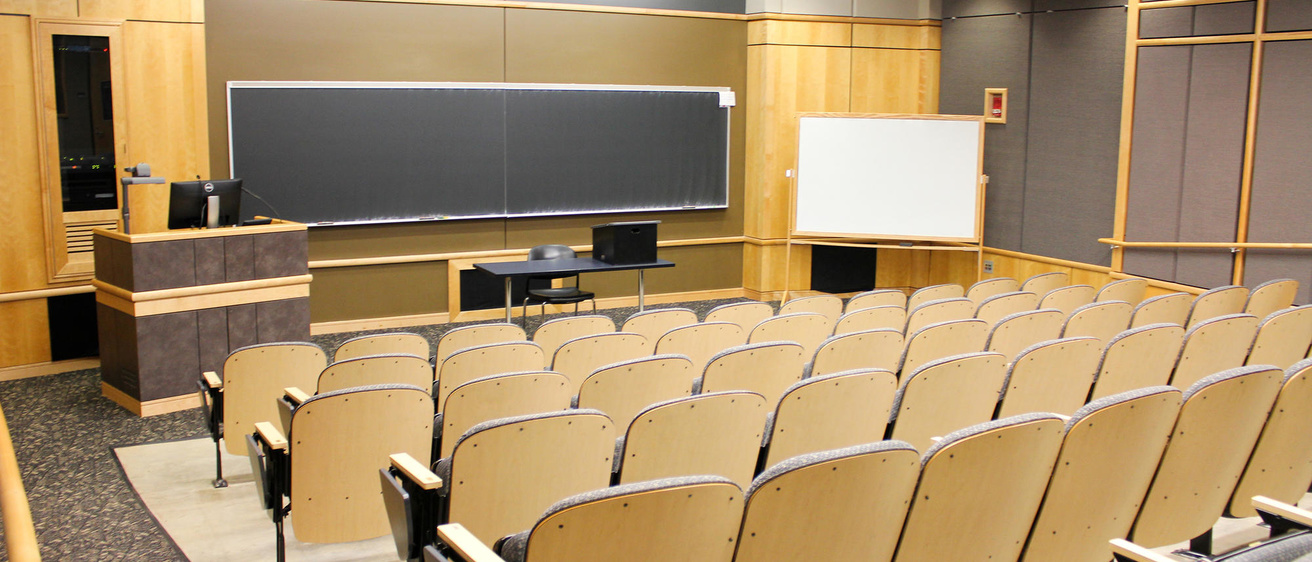
Students and instructors can use the Find a University Classroom tool on the University Classroom website to view personalized pages for each of our 335 unique university classroom spaces. Each page features photos, room type and capacity, furniture and technology details, accessibility notes, today’s schedule, and a campus map to help users find their way.
It’s a great resource for students and instructors who want to check out their assigned classrooms before the semester begins or to quickly see what spaces are available on a given day.
Help Shape Future Classroom Scheduling Newsletters
Have an idea, suggestion, or classroom scheduling success story to share? We'd love to hear it! Complete our brief survey to tell us what you'd like to see in future newsletters, including topics, reports, questions, and tips that would be helpful to you and your department.
The Dean's List

Pet of the Month
Classroom Scheduling's new label maker has quickly become the office MVP, bringing order, clarity, and an unreasonable amount of joy to our daily work. Cabinets are labeled. Drawers are labeled. The vacuum is labeled. Things we never even considered labeling are now labeled. The label maker sparks a level of excitement that is difficult to explain to anyone who has never experienced the satisfaction of perfectly aligned adhesive text. If you stop by our office, please be prepared to find yourself labeled.
Do you have topic requests for future newsletters?
We would love to hear your suggestions!